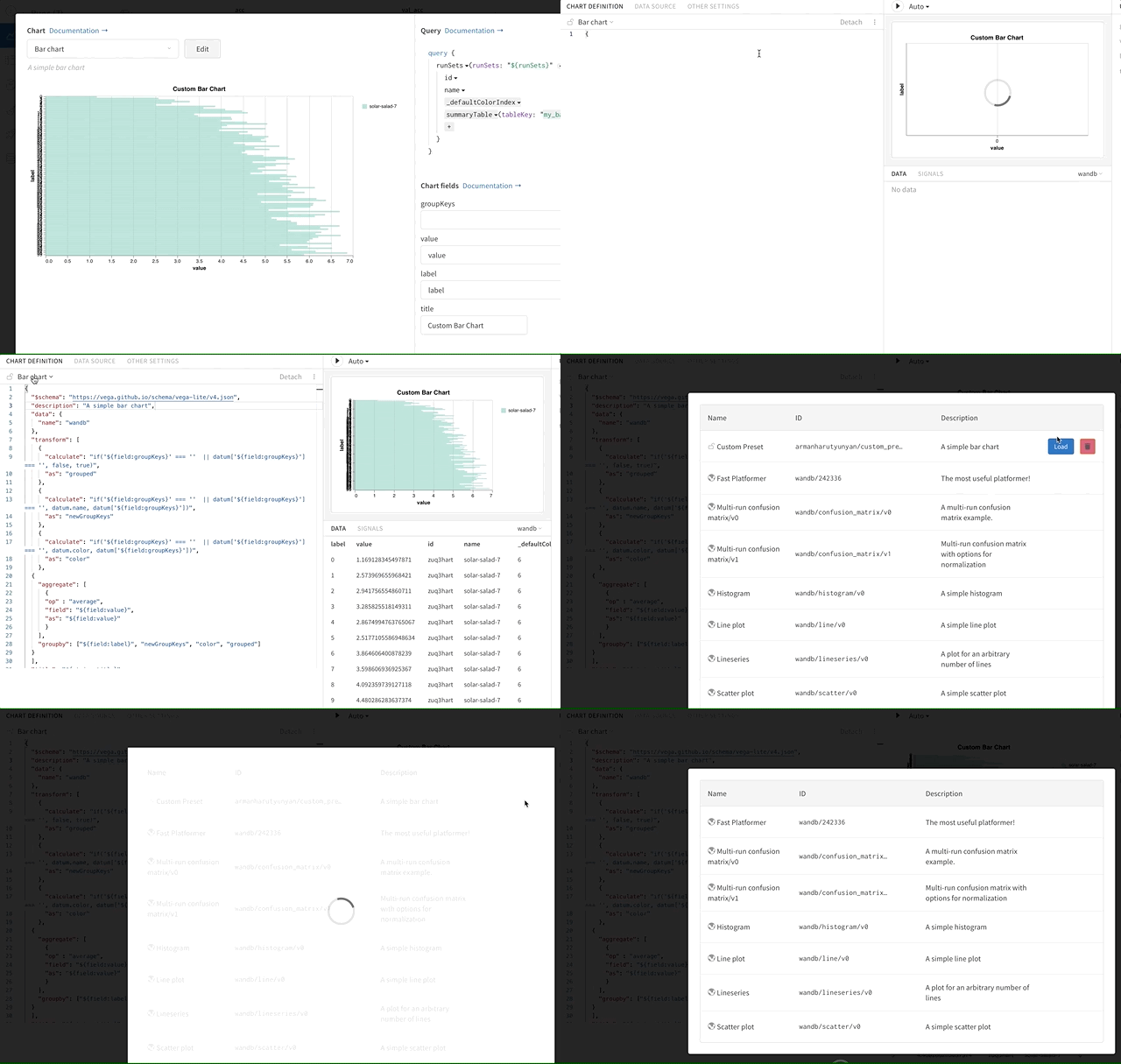
Delete a custom chart preset by hovering over it in the chart type menu and clicking the Trash icon.
Access the custom chart editor. Click on the currently selected chart type to open a menu displaying all presets. Hover over the preset to delete, then click the Trash icon.